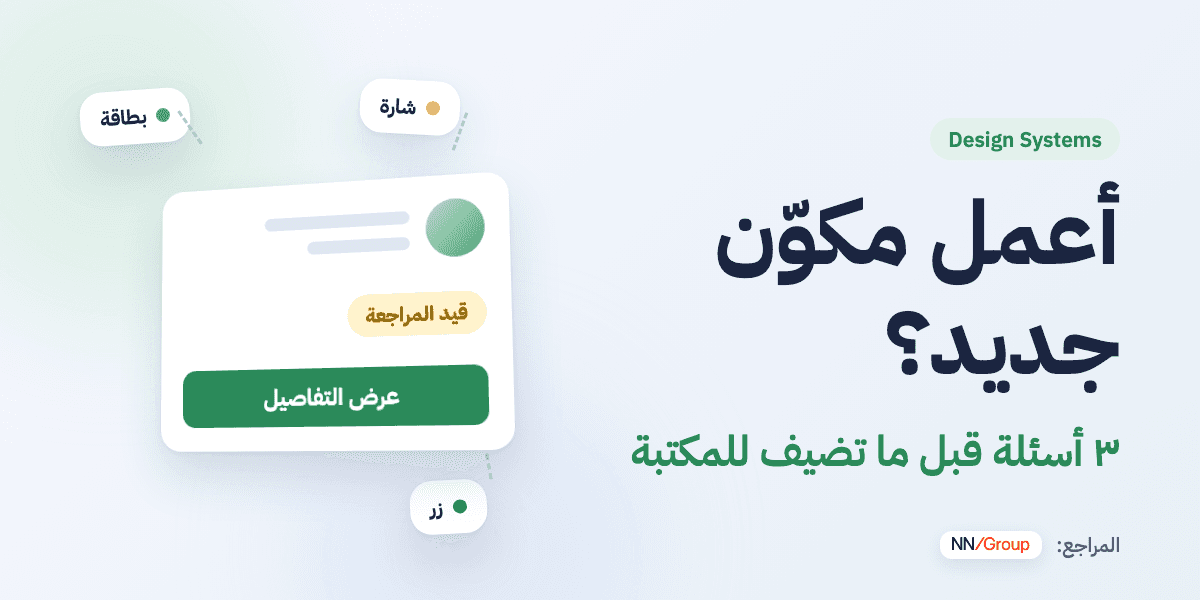
The short version: Start with what exists. If it's not enough, try composing the solution from existing parts. If something is still missing, extend the existing component. Only build a new one when the function itself is different.
While designing a new screen, you may need an element that's a little different from what's in the library. The first idea that comes to mind: "I'll make a new component."
But as that decision repeats, the library fills up with similar components, and the questions start: which one do I use? What's the difference between them?
Reusing what exists saves design and development time, and leaves designers room to focus on organizing information, simplifying steps and solving user problems. Nielsen Norman Group describes these benefits in Design Systems 101.
There's another reason: using the same component in similar situations lets users predict how it looks and behaves, instead of learning a new way each time. That's the consistency principle NN/g explains in Maintain Consistency and Adhere to Standards.
1. Can the existing component solve it?
Start by reviewing the components and their properties. Many needs are already supported, and all that changes is the content or a choice among the available options.
- A card showing a person? Changing the person or the text is not a reason for a new card.
- Need a button with an icon? Check the button's properties — it probably already supports showing and hiding an icon.
A different content doesn't mean a different component.
But to use what exists well, you need to understand what it was made for, when it fits, and what each property changes. That's what Christine Vallaure teaches: start from the basics and understand a component and its properties step by step.
2. Can I compose the solution from what exists?
Sometimes the shape you need isn't there as a whole, but its parts are.
Say you need a card with a person's details, a request status and a "View details" button. Before designing it from scratch, ask: can I combine the existing data card, status badge and button?
Here your job as a designer becomes organizing the information: what matters most? Where does the status go? Where does the button belong? — using the approved spacing, colors and type.
In one of Samantha Gordashko's courses the idea is explained simply: understanding what exists and what it can do shows you solutions that aren't obvious at first glance.
3. Extend it, or build a new one?
If the existing component doesn't cover the need, ask yourself 3 quick questions:
- Is the function the same? If yes, extend it. A button that needs a loading state after a click? Still the same button.
- Will it need more than 2–3 exceptions on the current component? If yes, you're probably squeezing two different needs into one component.
- Would it carry the same name in code? If yes, it's an extension, not a new component.
If the function and the interaction themselves differ, a new component earns its place. For example, a search field that shows suggestions and lets you navigate and pick from them needs thought about how the list appears, selection, no results, and keyboard navigation.
Watch out for two things
- If every use needs a special tweak, the component becomes hard to understand. Check whether you're combining different needs more than necessary.
- Don't solve every difference by adding a variant — the component will bloat. And don't detach a copy to edit it: it loses its link to the library and to any later update.
Every new component has a cost
A new component isn't just a shape in Figma. It means documentation, accessibility, code, tests and maintenance for as long as it lives. So the right question isn't "can I build it?" but "is it worth maintaining?"
And the developer handoff?
In your handoff, state clearly for each element one of three things: an existing component, a new state of an existing component, or a new component. If the difference is only size or order, check together whether the existing options and classes already cover it. That way the reuse that started in design continues in code, and you share one language with fewer questions between the teams.
Before you add something new
- Did I review what exists and its properties?
- Can I compose the solution from available components?
- Is the difference in the function itself, or only in how it looks?
- Is it worth the cost of documentation, code and maintenance?
These questions are my way of simplifying the decision, built on the principles the references discuss — not a framework copied from them.
A component library's success isn't measured by how many elements it has. It's measured by whether designers find what they need, understand how to use it easily, and save their time for the problem they're designing for.